Scriptorium
Invoices and quotations that add themselves up
The invoice works out every line, the subtotal, the VAT, the total, the due date and the balance due. Type over the sample lines and everything follows, in your language and your country’s money.
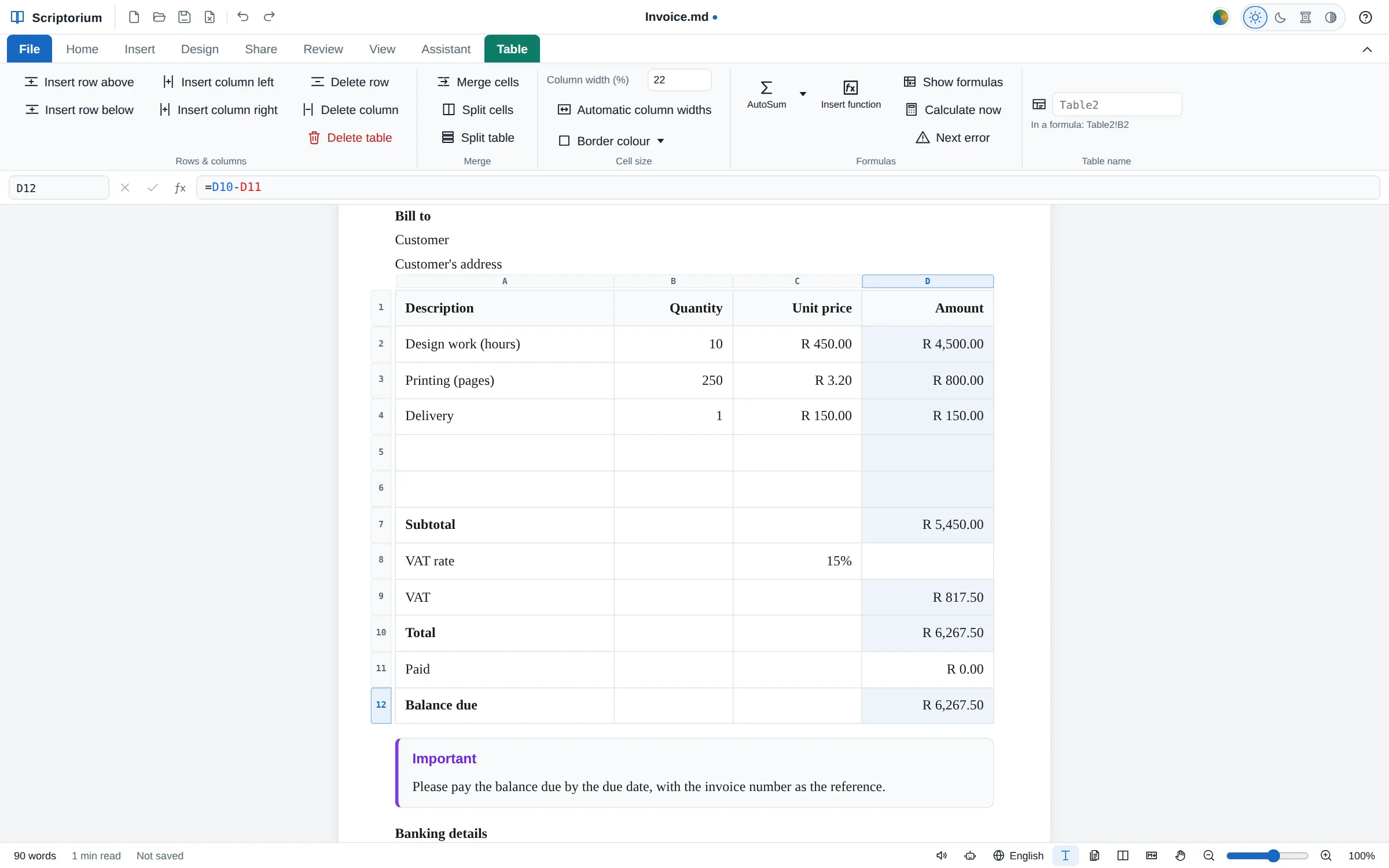
An invoice is a small document with a lot of arithmetic in it: every line multiplied out, a subtotal, the tax, the total, a due date thirty days on, and whatever is still owed. Get one figure wrong and the customer notices before you do. Scriptorium’s invoice works all of it out for you. Type over the sample lines and every amount, total and date follows.
Open the invoice
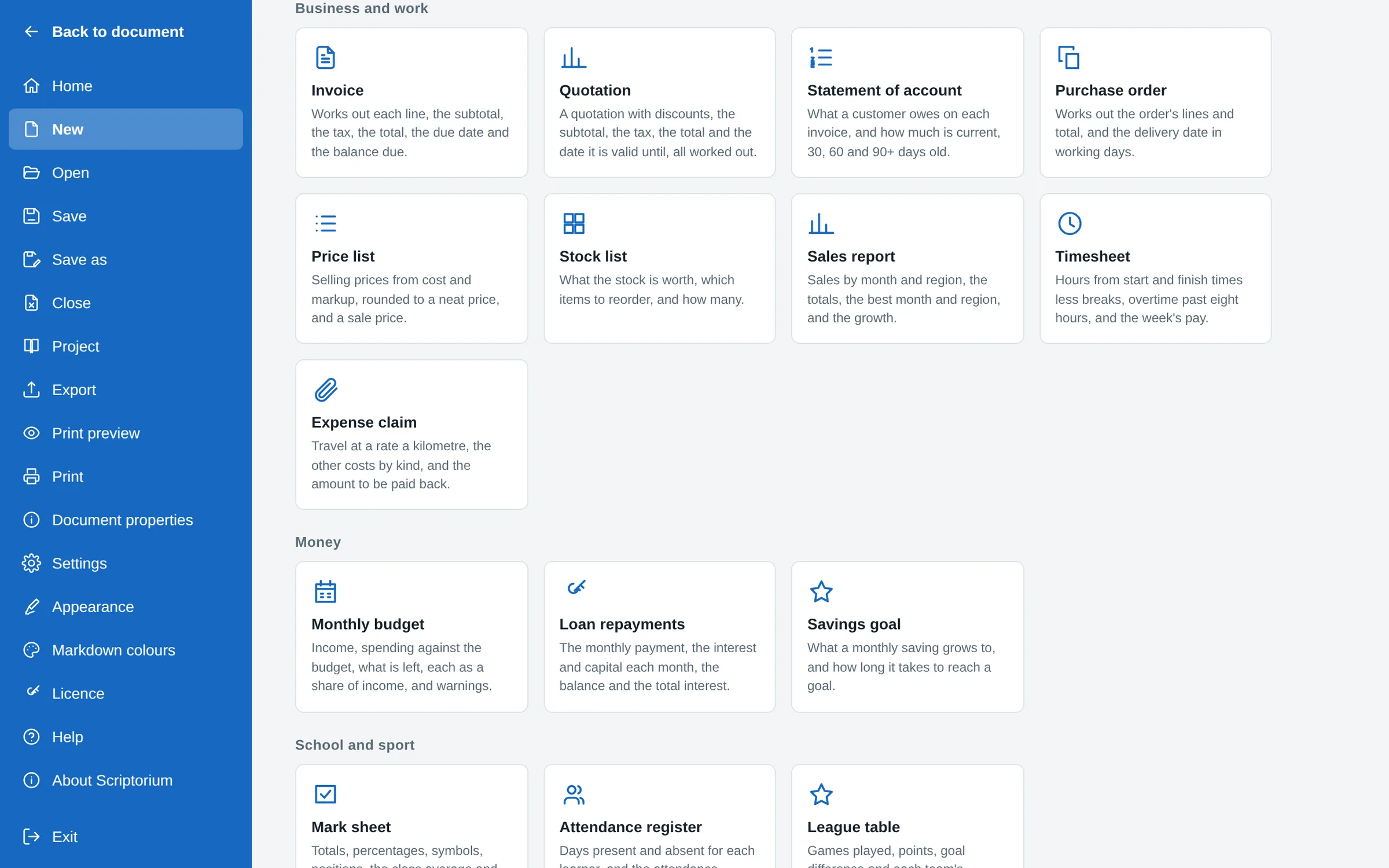
- Click the File tab. The Home page has Invoice and Quotation at the front of its row of new documents, drawn as small pages. They are also under Business and work in File ▸ New.
- Click Invoice. A new document opens with your details at the top, the invoice’s details, a customer to bill and three sample lines.
- Type over the samples: your name and address, the customer, and your own lines.
What it works out
The invoice is an ordinary document with a few tables in it, and the tables do the sums:
- The details: the invoice number, the date, the payment terms in days, and the due date, which is the date plus the terms. Change the terms to 14 and the due date moves.
- Each line: the quantity times the unit price. Two empty lines wait for more; a line with no quantity stays blank instead of showing a zero.
- The totals: the subtotal, the tax at the rate in its own cell, the total, what has been paid and the balance due.
The tax rate is one cell, so it is easy to find and change. In South Africa it starts at 15% VAT. Elsewhere it starts empty for you to fill in with your own rate, because Scriptorium does not guess another country’s tax.
Money is written the way your country writes it, and the formulas read it that way: amounts in rands in South Africa, in dollars in the United States, each with the country’s own separators.
A quotation, with discounts
The Quotation works the same way, with a discount column on each line (10% off the first sample line, to show how it works) and a valid until date: the date of the quotation plus the days it holds, 30 to begin with. Its totals are the subtotal after discounts, the tax and the total.
Eighteen templates that calculate
The invoice and the quotation are two of eighteen templates with their formulas in place. All of them are under File ▸ New, in groups, with a search box:
| Template | What it works out |
|---|---|
| Statement of account | What a customer owes, and how much is current, 30, 60 and 90 days old |
| Purchase order | The order’s total, and the delivery date in working days |
| Price list | Prices from cost and markup, rounded neatly, and a sale price |
| Stock list | What the stock is worth, and what to order |
| Sales report | Totals by month and region, the best month, and the growth |
| Timesheet | Hours from the start and finish times, overtime, and the week’s pay |
| Expense claim | Travel by the kilometre, the other costs by kind, and the total |
| Monthly budget | What is left, each cost as a share of income, and what is over budget |
| Loan repayments | The monthly payment, and the interest and the balance each month |
| Savings goal | What saving each month grows to, and how long a goal takes |
| Event budget | Spending against the budget, and the cost per guest |
| Project plan | Working days per task, the days left, and how much is done |
| Mark sheet | Totals, percentages, symbols, positions and the pass rate |
| Attendance register | Days present and absent, and the attendance |
| League table | Points, goal difference and positions |
| Recipe | Every amount for the number of servings you want, and the cost |
Each of these templates comes in your language as well as your country’s money: open one with Scriptorium set to isiZulu or Afrikaans, and the labels are in isiZulu or Afrikaans.
Change it to suit you
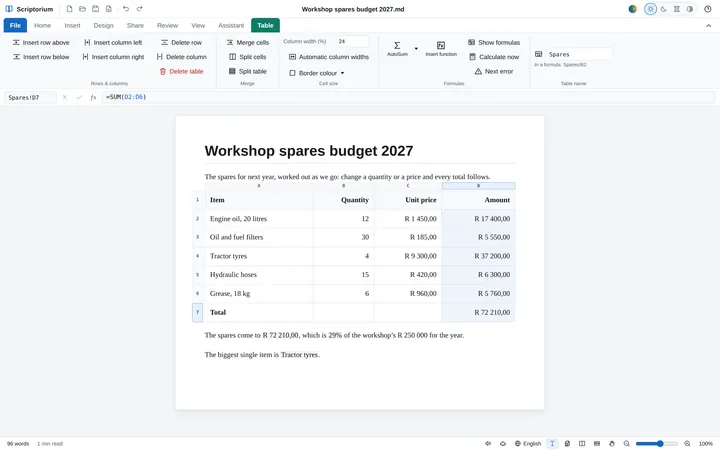
The formulas are ordinary ones, so you can change them. Click a total to see its formula in the formula bar above the page, such as =D10-D11 for the balance due. Fill in the two empty lines first. For more, click in a line above the last one, choose Insert row below on the Table tab, and copy an amount from the line above into the new row: it works out that row’s quantity times price, and the subtotal takes it in. If you would rather not see any formulas at all, there is nothing to learn: type over the samples and leave the rest to the document.
Fill in an invoice with your name, address and banking details once, save it as “Invoice template”, and use File ▸ Save as to make each new invoice from it, changing the number, the customer and the lines.
Send it
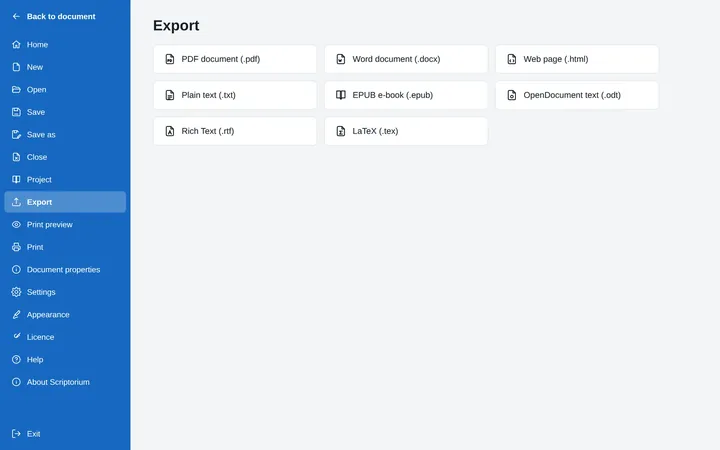
Most customers want a PDF. Choose File ▸ Export ▸ PDF document, or press Ctrl+P and Save as PDF. The PDF, the printout, a Word file and every other export carry the answers, laid out as you see them, while your own file keeps the formulas for next time.
For more about the formulas themselves (the formula bar, AutoSum, and functions such as WORKDAY and PMT), see Excel formulas in a Markdown document.