Scriptorium
What is Markdown? A plain-words guide for people who never want to type it
Markdown is the plain text behind AI answers, README files and a growing number of notes apps. Here is what it is, why it matters, and how to use it without learning a single mark.
Markdown is a way of writing formatted text with ordinary characters. A heading is a line that starts with a hash mark. Bold words have two asterisks on each side. A list is a column of lines that each start with a dash. That is most of it:
## Camp on Friday

We still need **three** things:

- tent pegs
- a gas bottle
- rope
Even if you have never seen Markdown before, you can read that. That was the whole idea when John Gruber created it in 2004: text that reads well just as it is, and turns into a properly formatted page when a program draws it.
Why you keep running into it
For years Markdown was mostly used by programmers, for the README files that explain a piece of software. Then AI assistants arrived. ChatGPT, Claude, Gemini and the rest write their answers in Markdown, and the chat window draws it for you. That is why an answer copied the wrong way turns into a page full of asterisks and hash marks.
Markdown has more going for it than that:
- Any computer can open it. A Markdown file is plain text. Notepad opens it, a phone opens it, and a computer thirty years from now will open it.
- It is small. A long report, without its pictures, is a few dozen kilobytes.
- Nothing is hidden. What is in the file is all there is, with no buried formatting that only one program understands.
- It is the language AI already speaks. An assistant reads the headings, lists and tables of a Markdown document as easily as it writes them.
The marks, side by side
Here is what Scriptorium writes into the file when you use its buttons. You never have to type any of it, but it helps to recognise it when you see it.
| On the page | In the file |
|---|---|
| A heading | ## A heading (one hash for the biggest, up to six) |
| Bold | **Bold** |
| Italic | *Italic* |
| Underlined | ++Underlined++ |
~~Struck through~~ | |
| Highlighted | {hi:yellow}Highlighted{/hi}, with the colour you picked (==Highlighted== from other programs works too) |
| A bulleted list | - First item |
| A numbered list | 1. First item |
| A ticked task | - [x] Book the hall |
| A link | [Our website](https://momoworx.com) |
| A quotation | > A quotation |
| A table | | Day | Job |, with |---|---| under the heading row |
| A block of code | a line of three tildes above it, with the language after them (~~~python) when the code has one, and three tildes below |
| A formula | $$ on the line above the formula, such as x = \frac{-b \pm \sqrt{b^2 - 4ac}}{2a}, and again on the line below |
| A tip box | > [!TIP] on the line above the tip |
| A new page | {pagebreak} |
Most of these work in any Markdown program. A few, such as underlining with plus signs and the colours of highlighting, are extras that not every program knows.
Scriptorium’s extras
Markdown has no marks for some things a word processor needs: a colour, a font, a size, centred text. Scriptorium adds them in curly brackets, in front of a paragraph or round a few words:
{style:title}Harvest report 2026

{align:center}Prepared for the farm committee

Sales were {#c00000}down 12%{/#c00000} on last year.

{font:Georgia}{size:20}A line in larger Georgia type.{/size}{/font}
Another Markdown program shows those curly brackets as they are, so all your words are still there, with a few marks around them. In Scriptorium they are drawn as the style, alignment, colour, font or size you chose.
You never need to type it
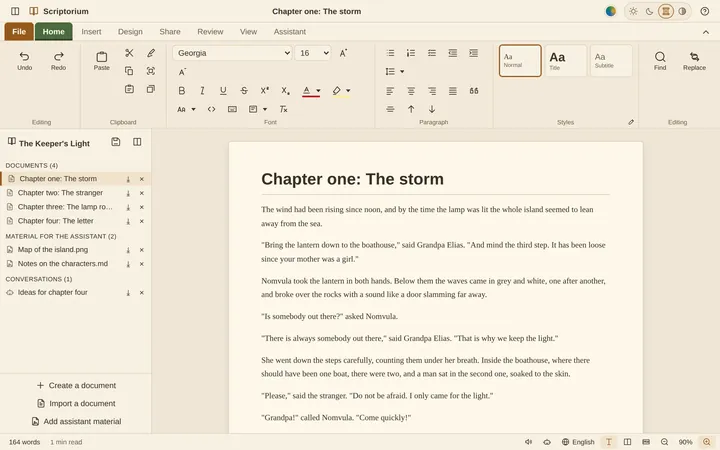
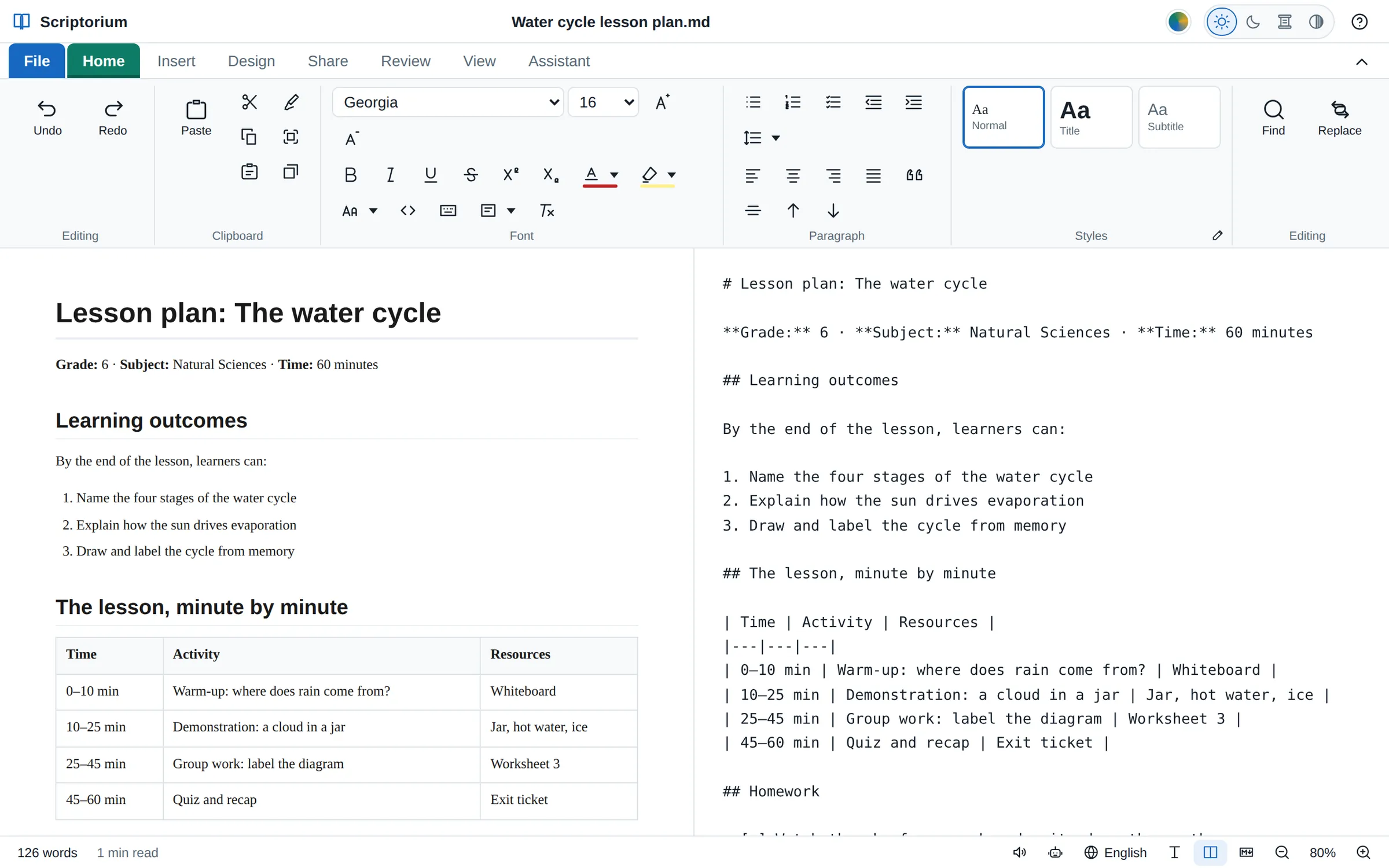
Scriptorium has the ribbon you know from other word processors: bold and italic, heading styles, bullets and numbering, tables, pictures, a colour picker. Use the buttons and Scriptorium writes the Markdown for you. The View tab shows a document four ways:
- Rich text, the ordinary page you type on;
- Side by side, the page and its Markdown next to each other, as in the picture at the top;
- Markdown code, the Markdown on its own;
- Reading view, the page with the tools put away.
You can type in the Markdown too. The page catches up a moment after you stop, so if you would like to learn the marks, you can, and see what each one does as you go.
Copying it somewhere else
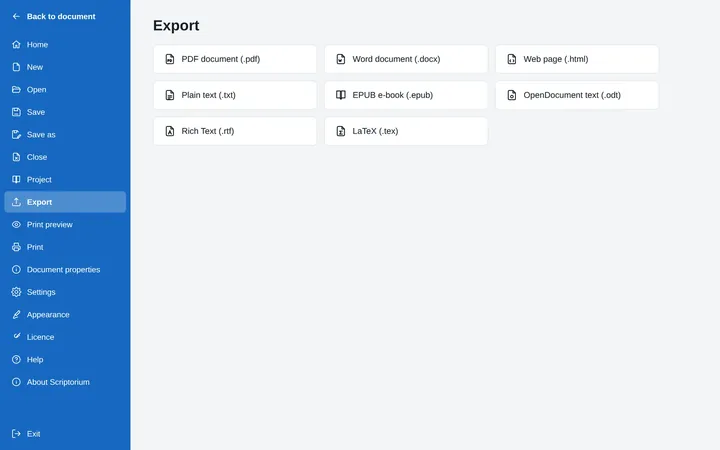
The Share tab has three ways to copy a whole document for another program. Copy Markdown copies the Markdown, ready for an AI chat, a GitHub page or a notes app. Copy as HTML copies the HTML code of the page, for a website or a web page you are building. Copy as plain text leaves the formatting behind.
Files that last
Scriptorium saves documents as Markdown files (.md) in UTF-8, the text encoding every modern computer uses. It opens .md, .markdown, .mdown and .txt files, and on Windows the installer registers it for .md and .markdown files, so it is there when you open one. Pictures can be kept inside the document itself, so a document and its pictures travel together as one file, or linked from the web.
And because the files are plain text, your writing never depends on Scriptorium. After the 14-day trial, Scriptorium stays on your computer as a free Markdown reader: it keeps opening and showing Markdown documents, and every view still works, for as long as you like.